










-
 Courier delivery
-
 DHL Courier delivery
- Whether or Not 50Vac or 75Vdc or Higher Power Supply: No
- High-concerned chemical: None
- Zoom type: Digital zoom
- Zoom: 2X
- Lens Quantity: Single Lens
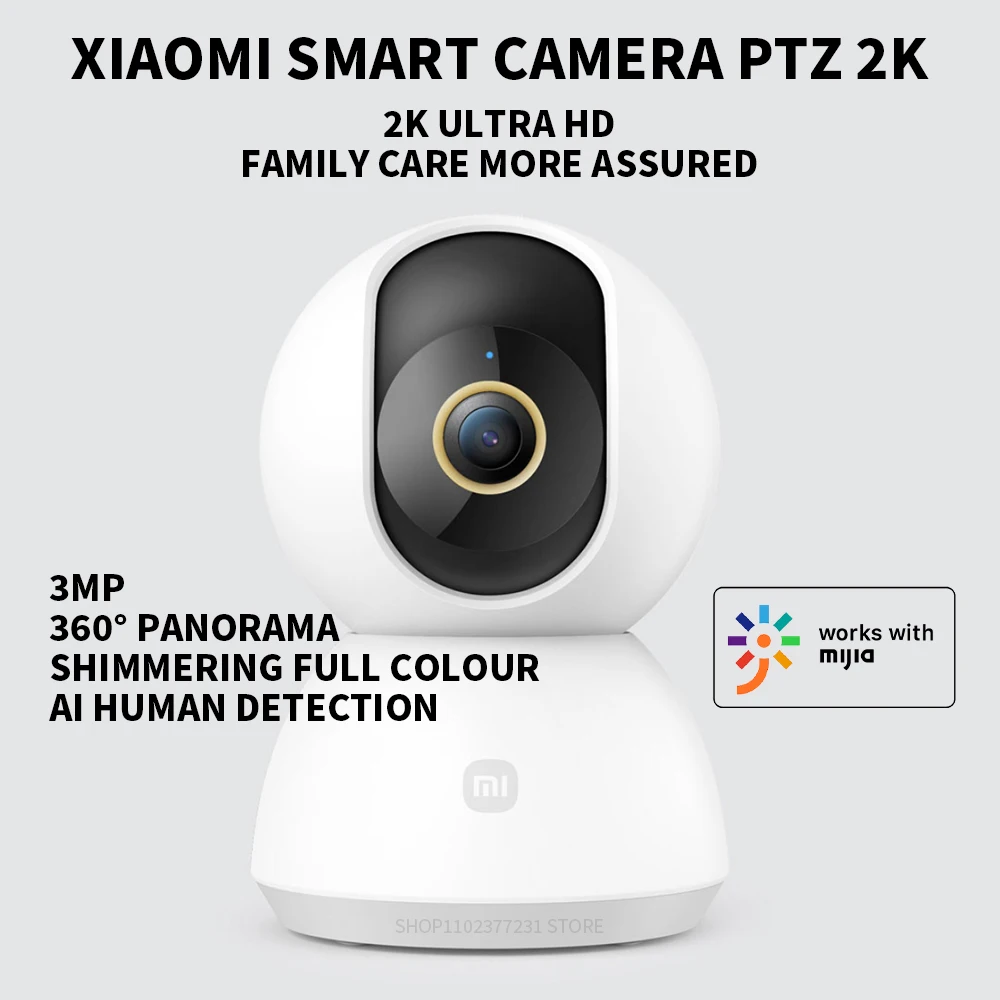
- Megapixels: 3 MP
- Power Supply: Normal
- Supported Operating Systems: No
- Lens (mm): 2MM
- Connectivity: WIFI(2.4GHz)
- High Definition: 3.0 Megapixels
- Style: Dome Camera
- Brand Name: XIAOMI
- Origin: Mainland China
This product is the Chinese version, and the power plugs are all Chinese standard. Please choose the correct adapter. We will provide you with the required specifications for free.
EU plug = Chinese plug Add EU adapter
UK plug = Chinese plug Add UK adapter
AU plug = Chinese plug Add AU adapter
Original US plug = Chinese plug
UK plug = Chinese plug Add UK adapter
AU plug = Chinese plug Add AU adapter
Original US plug = Chinese plug
Please select the plug in your region, and we will provide you with a free adapter based on the SKU you have chosen.
Important note:
This device is a Chinese version, but it is universally available. Before adding your device, you need to switch the country and region of your MiHome APP to Chinese mainland and set the language to your native language. Devices from other countries and regions cannot be recognized. Thank you!
1. Please download the Mi Home application first. And make sure it is the newest version of the app. After downloading, click “Profile” – “Additional Settings”.
2. In “Language and Region”, set “Region” to “Chinese Mainland”.
3. Connect the power supply.
(1) Plug the power adapter cable into the camera’s power connector, and the camera will automatically turn on the power.
(2) The indicator light will turn yellow and a voice prompt will be heard to indicate successful power-on.
(3) Click the “+” in the upper right corner and then click Scan.
4. Follow the on-screen instructions to reset the product. Click Device Reset.
5. Select 2.4G Wi-Fi, not 5G or higher, then click “Next”.
6.Continue until the connection is successful.
 |
 |
 |
 |
You may also like






Reviews
There are no reviews yet.